Residents in senior living communities need to get things fixed in
their rooms, like to attend activities or want to order food for
in-room delivery.
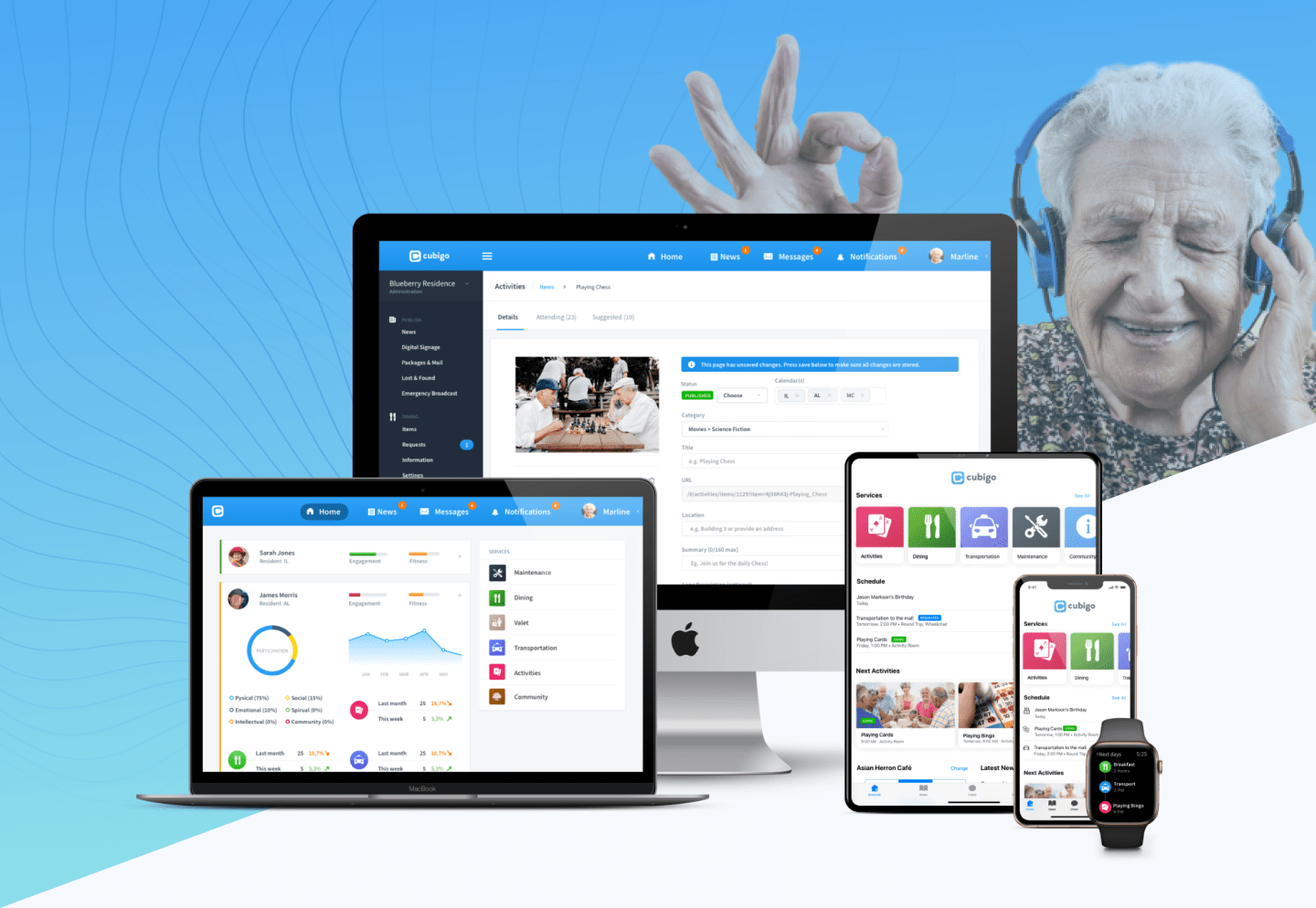
Cubigo is an end-to-end SaaS platform
that helps with all these services.
Since getting hired
in 2017 to outline the vision & groundwork for this platform,
a wide range of functionality has been added. The platform now
includes modules like POS dining solutions, activity management
tools and digital signage through Apple TV clients.
In
this case study we will focus on the
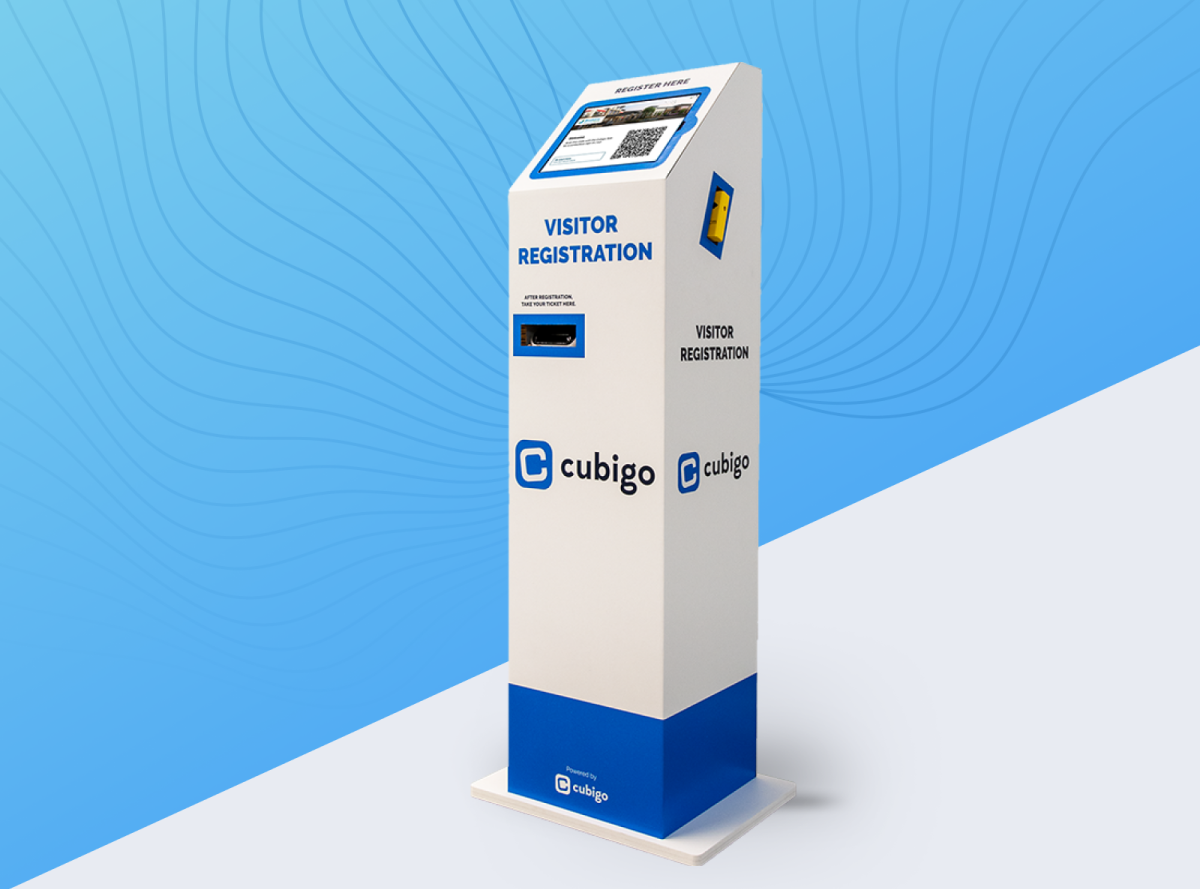
visitor registration kiosk.
User adoption has been a true testament to the ease of use of Cubigo. I continue to hear from residents how happy they are with the new system and thankful they are to have their "Cubi" ahead of the pandemic. In times like this, where most may feel disconnected, Cubigo provides our residents with a sense of connectedness.

When COVID-19 hit, senior living facilities closed their doors for external visitors. Reopening them without restrictions & proper measures would introduce health risks for their aging residents.
Implement a safe process to organize staggered visits that comply with government & health regulations. Collect visitor data that allows for contact tracing in case of emergency.
Worked for 3 days / week for about 3 months fully remote with the in-house Cubigo product team and 1 external iOS developer. I was responsible for UX research and the UX/UI design.
The solution was rolled out in 200 communities during the pandemic and helped keep residents safe when communities reopened for visitors. The module also drove sales for the wider Cubigo platform.
While the pandemic was unfolding, we kept close tabs on changing
government regulations as they served as input for functional
requirements.
Once visitor bans were getting lifted,
restrictions such as maximum visits per week for each resident and
visitor temperature below a threshold were at the core of the
system.
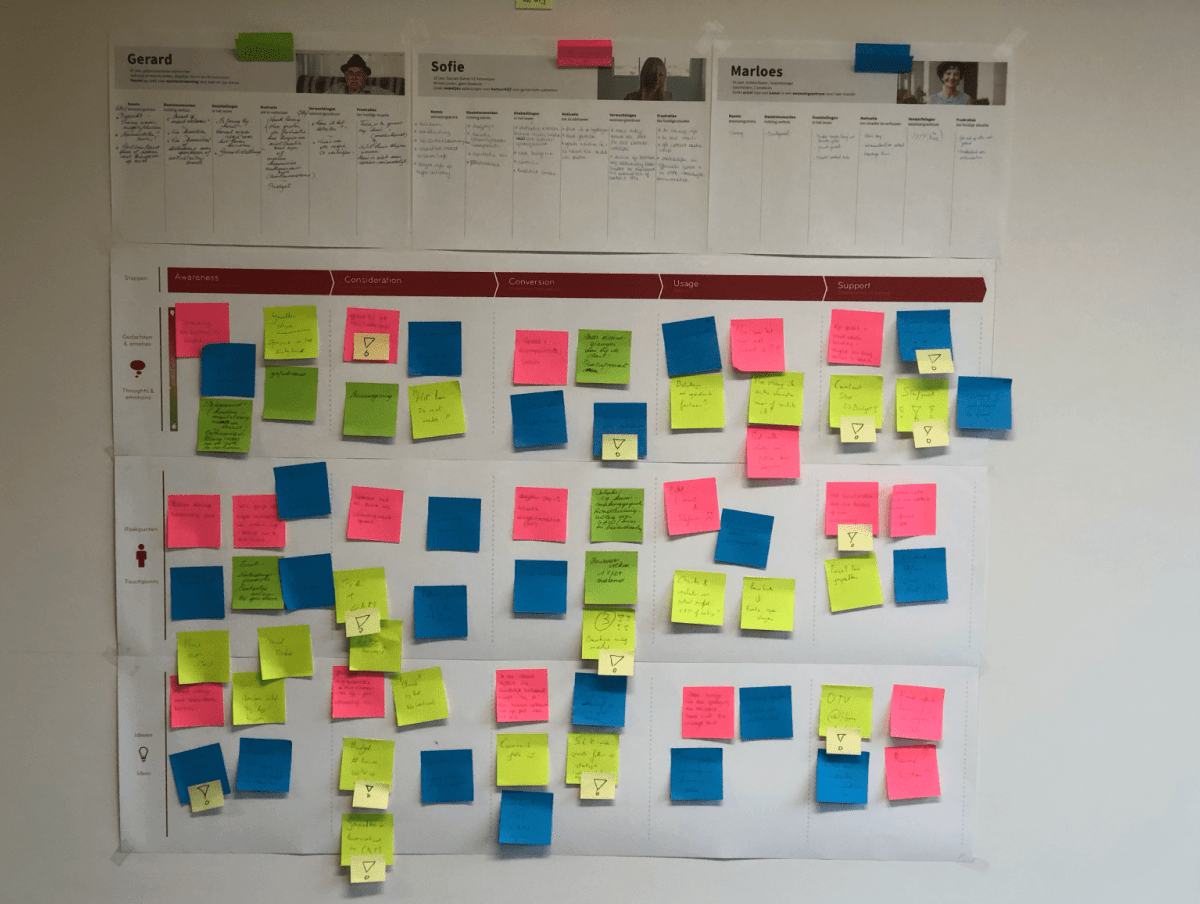
By doing remote interviews and
mapping out all visitor journeys, including for
staff and suppliers, we discovered that the latter opted to use
alternative sign-in methods such as employee ID or QR codes for
swift repeat sign-ins.
We also received requests for
doing automatic face mask detection during
sign-ins. With all this input we could start working on the MVP.
We managed to create a
first proof of concept with a functional
temperature scanner and badge printer 1 month into the project.
This PoC integrated with the Cubigo backoffice for changing
settings and visitor capacity planning.
In the PoC
video below the final designs were
not yet implemented.
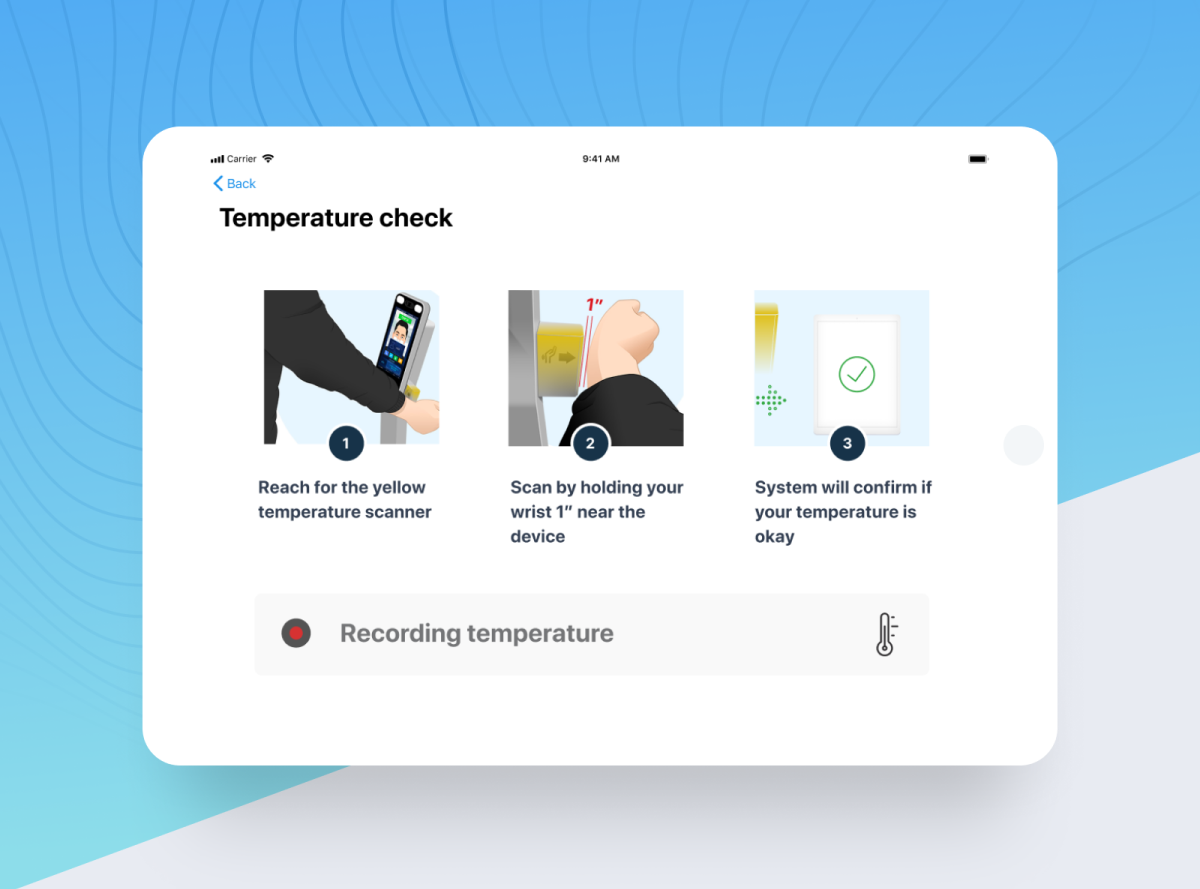
One painful UX constraint we had to work with,
was the wrist-based temperature scanner. This scanner was
connected to a non-removable Android device that acted as a
server.
In reality this meant users were presented with
multiple devices and I feared this would create a
confusing check-in experience. The first ad-hoc
user tests confirmed this assumption.
Since
alternative hardware suppliers were not an option, we decided to
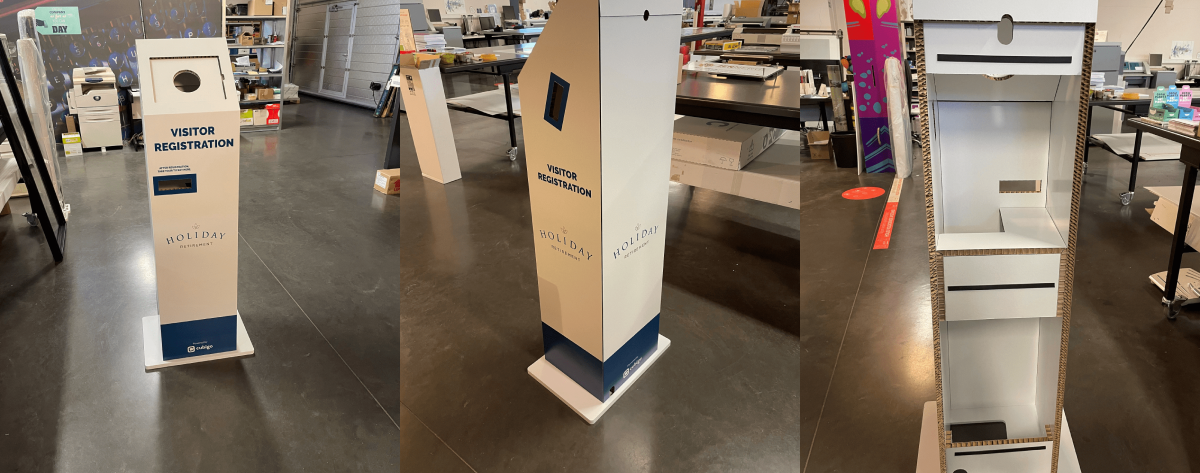
start working on a concept for an enclosure that would hide the
server so the visitor registration setup would be presented as
1 seamless experience.
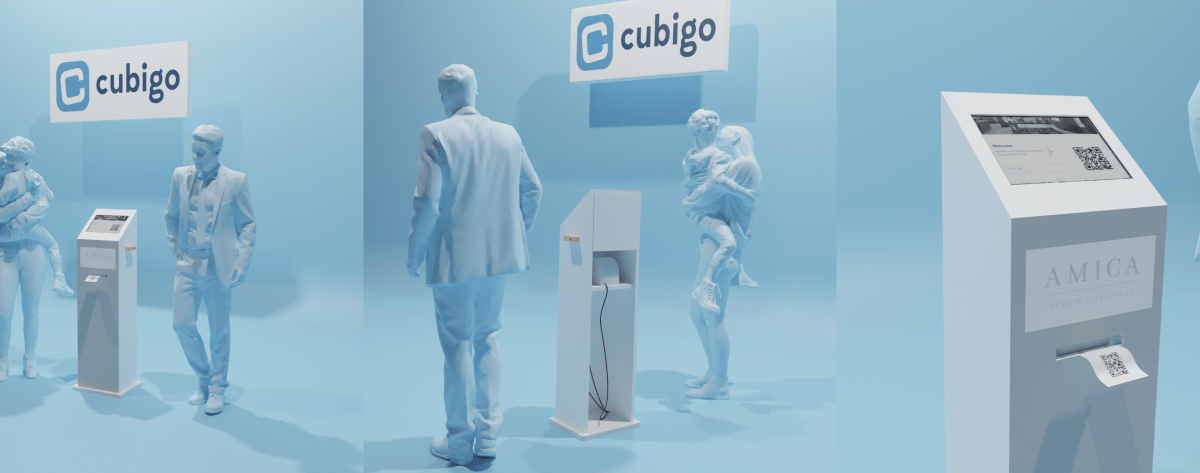
A local printshop helped with the production, and
the final solution would allow branding so
communities could apply their own look & feel.
Below is an impression of the production prototype we
shipped to Holiday Retirement (USA).
On the side I experimented with a
TensorFlow AI by training it with images of
people wearing face masks to see if it could accurately
automatically detect them.
The AI worked flawlessly for
multiple types of masks and
could also handle multiple visitors at the same
time.
However, due to team capacity restrictions &
technical challenges porting the code to iOS, the AI was not
included in the final product.
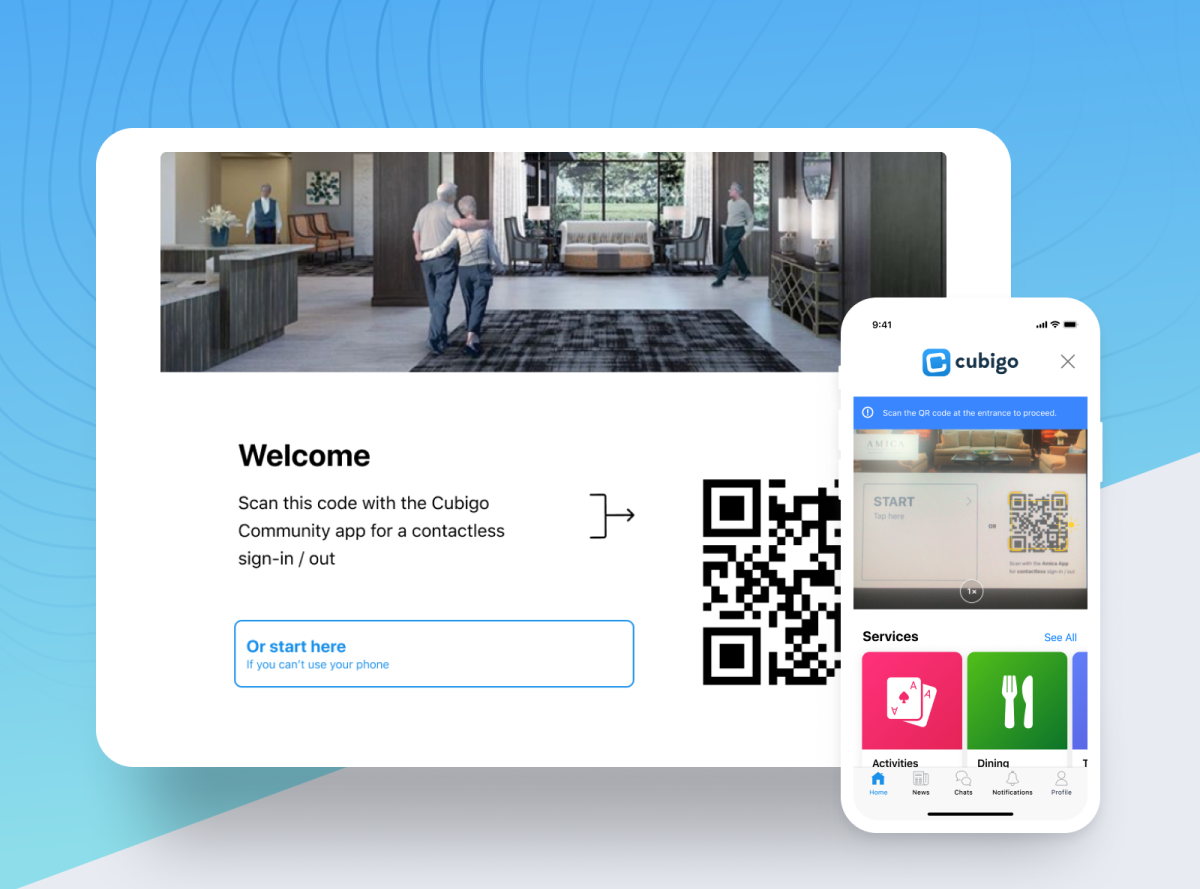
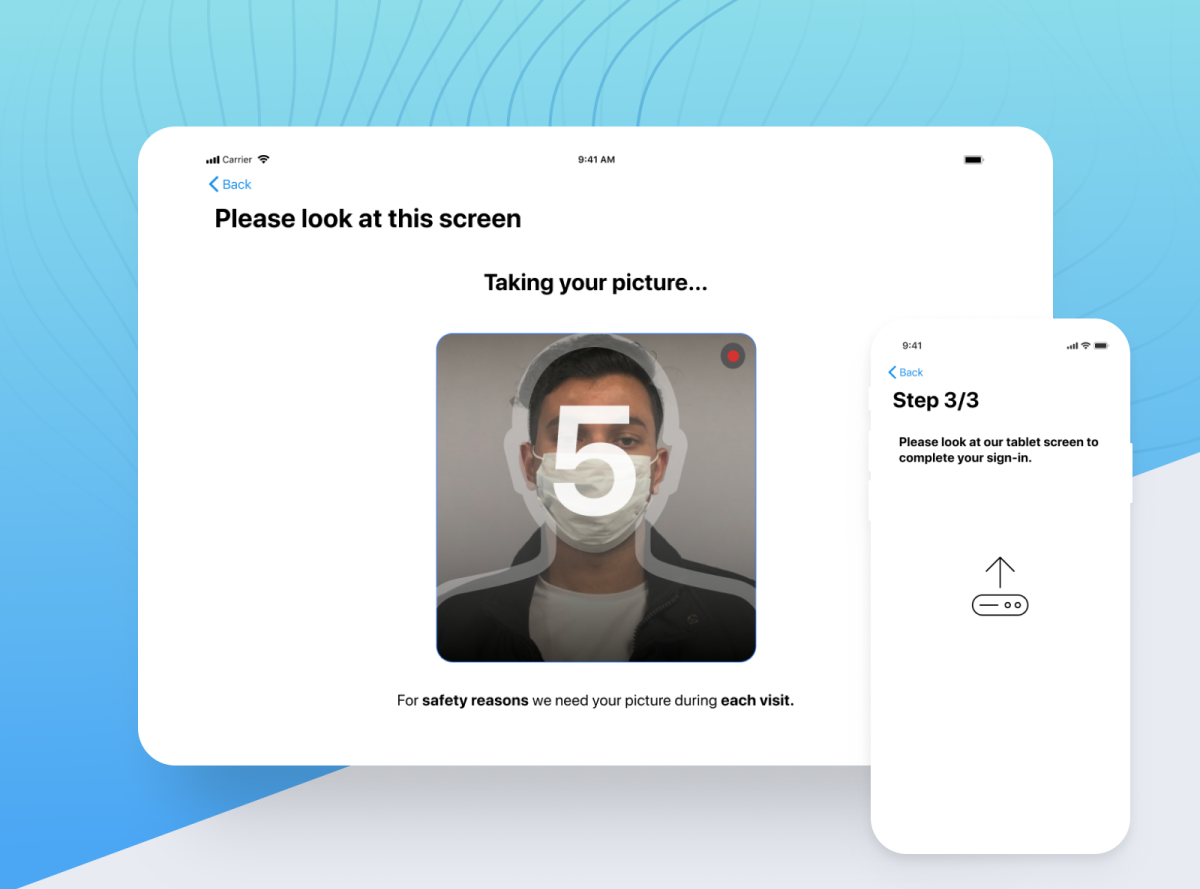
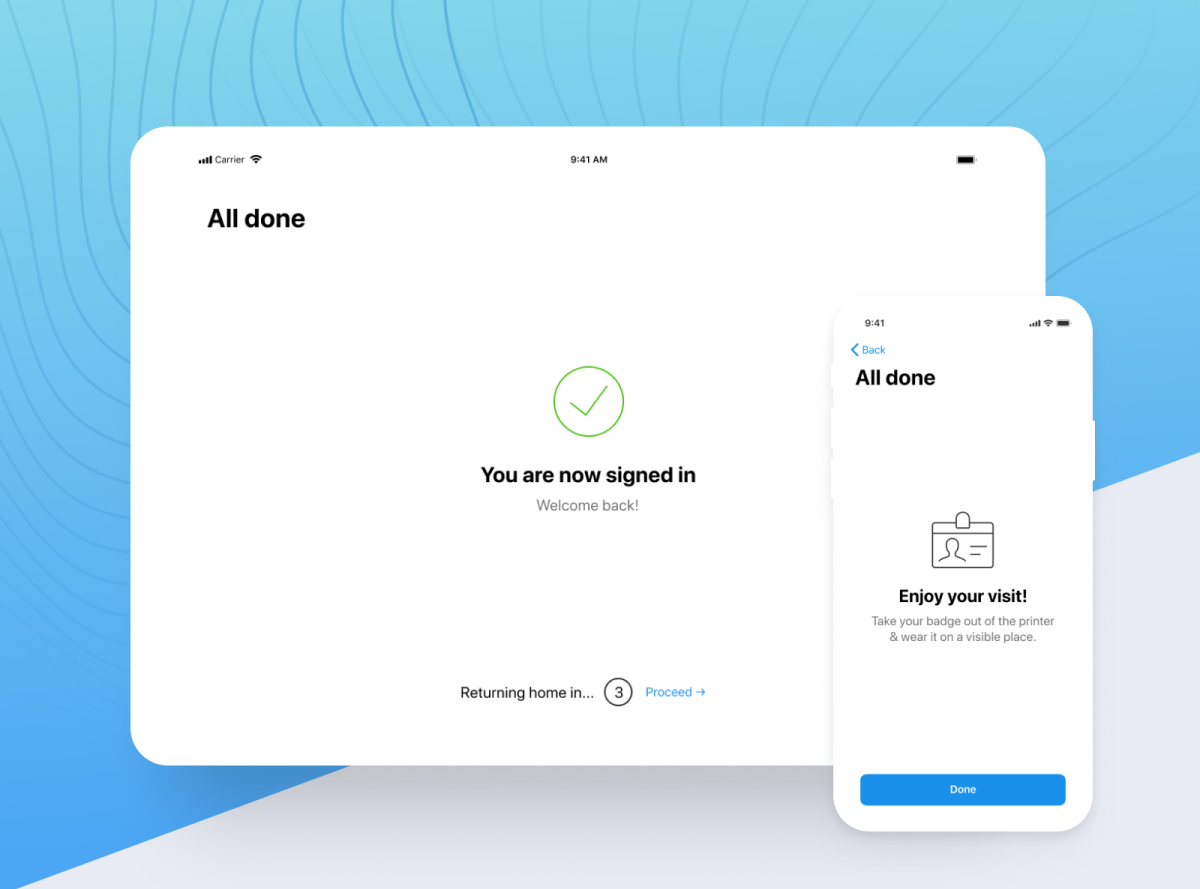
Figma allowed us to communicate efficiently as working fully
remote had become the norm. Below is an impression of the first
flow we developed for the kiosk.
Next
to a kiosk, the MVP consisted of a web-based
backoffice for changing settings and
web & iOS clients for planning visits and
providing a touchless sign-in for visitors.
Within 3 months from starting the project, we launched a pilot at
3 client communities for testing. A month later we scaled the
solution to all clients willing to adopt our visitor registration
module.